If you’re planning to build a business website in 2026, one of your first questions is probably:
How much does a WordPress website cost in India?
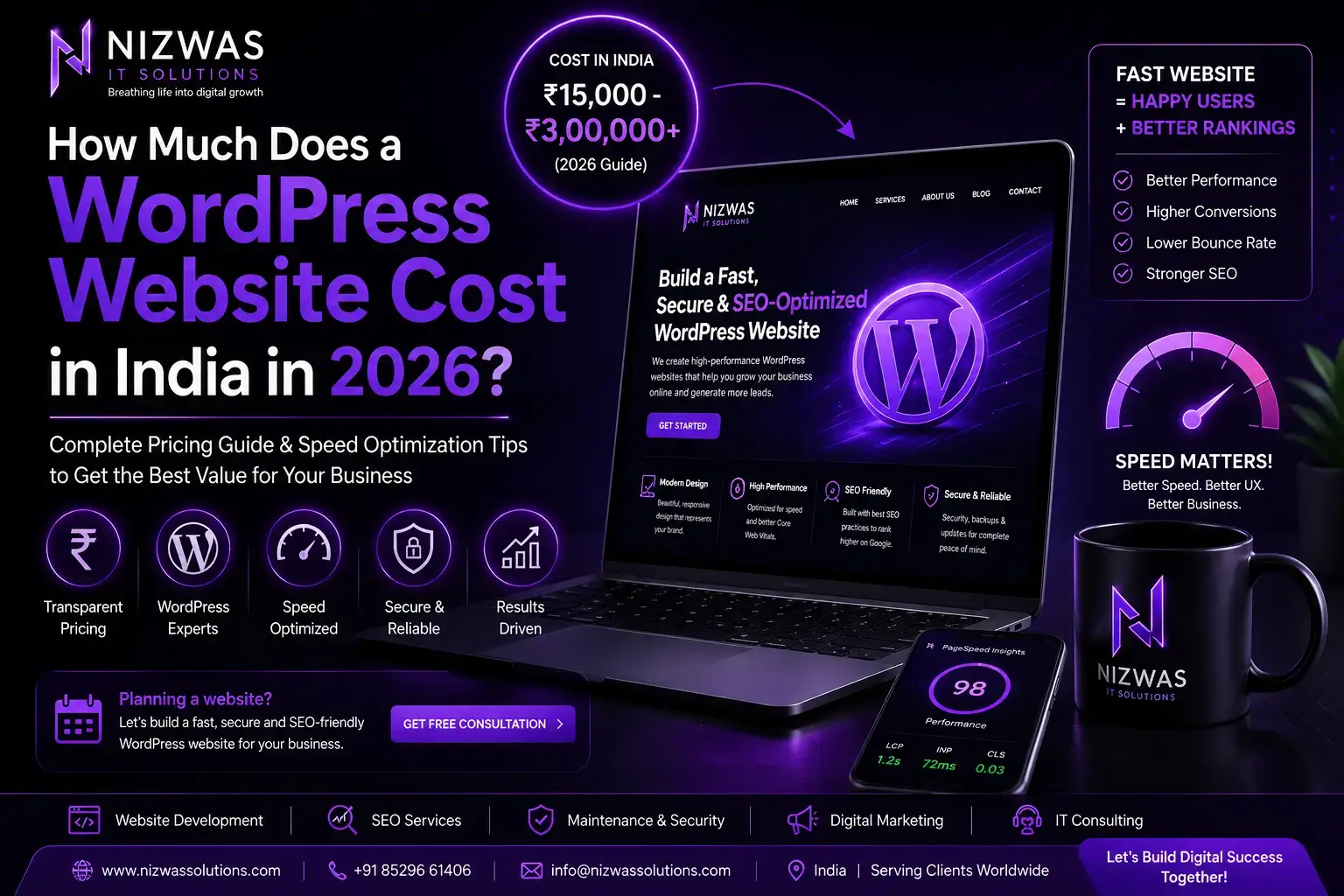
The short answer is that a professional WordPress website in India can cost anywhere from approximately ₹15,000 to ₹3,00,000+, depending on the design, number of pages, functionality, performance requirements, eCommerce features, SEO setup, security, and level of customization.
A simple website built using a pre-designed theme will naturally cost much less than a custom WordPress website designed specifically around your brand and business goals.
But price should not be the only consideration.
A ₹15,000 website that takes five seconds to load, performs poorly on mobile devices, and generates no enquiries can ultimately be more expensive for a business than investing ₹50,000 or ₹1,00,000 in a website designed around performance, SEO and conversions.
In this complete 2026 WordPress pricing guide, we’ll explain:
- WordPress website development costs in India
- What different budgets can realistically get you
- Freelancer vs agency pricing
- Theme-based vs custom WordPress development
- WooCommerce website costs
- Hidden website expenses
- How website speed affects your investment
- How to build a faster WordPress website
- Market pricing compared with Nizwas IT Solutions
- How to choose the right WordPress development company
Whether you’re launching a startup, running a local service business, managing an established company, or planning an eCommerce store, this guide will help you set a realistic website budget.
PART 1: Understanding WordPress Website Cost in India
How Much Does a WordPress Website Cost in India in 2026?
There is no universal price for WordPress development because websites are not identical products.
Think about two businesses.
A local consultant might require:
Home
About
Services
Blog
Contact
Compare that with an online retailer requiring:
Hundreds of products
WooCommerce
Payment gateways
Customer accounts
Shipping integrations
Advanced product filtering
Coupons
Email automation
Inventory management
Security
Performance optimization
Both websites might use WordPress, but their development requirements are completely different.
Based on current Indian market pricing, businesses can broadly expect the following ranges:
| WordPress Website Type | Typical Indian Market Cost |
|---|---|
| Basic template website | ₹15,000 – ₹30,000 |
| Small business website | ₹25,000 – ₹60,000 |
| Professional WordPress website | ₹40,000 – ₹1,00,000 |
| Custom WordPress website | ₹60,000 – ₹2,00,000+ |
| WooCommerce website | ₹75,000 – ₹3,00,000+ |
| Enterprise/custom platform | ₹2,00,000+ |
These should be treated as market estimates rather than fixed prices. Your actual quotation depends on your requirements.
Recent 2026 Indian pricing guides show similarly wide ranges. Some place professional business WordPress websites around ₹30,000–₹80,000, while more customized business and eCommerce projects can reach ₹1,00,000–₹3,50,000 or more.
Why is there such a big price difference?
Because you’re not simply paying for WordPress installation.
You’re paying for the work surrounding WordPress:
Planning
UI/UX
Development
Responsive design
Customization
Testing
Performance
SEO preparation
Security
Integrations
Deployment
Technical expertise
Support
This is why comparing website quotations purely by price can be misleading.
What Determines WordPress Website Development Cost?
1. Number of Pages
A five-page website generally requires less work than a website containing 30 individually designed pages.
Typical business pages include:
- Homepage
- About Us
- Services
- Individual service pages
- Industries
- Case studies
- Portfolio
- Blog
- FAQs
- Contact
- Privacy Policy
- Terms and Conditions
However, page count alone doesn’t determine price.
Ten pages using the same layout may require less development work than five completely custom pages.
2. Theme-Based vs Custom Design
One of the biggest pricing factors is how your website is designed.
Theme-based WordPress website
A developer starts with an existing theme or template and modifies it for your business.
Advantages include:
Lower cost
Faster development
Suitable for smaller businesses
Quicker launch
The disadvantage is that excessive reliance on large multipurpose themes can introduce unnecessary features and code.
Custom WordPress website
A custom website is designed specifically around your:
Brand
Audience
Services
Conversion goals
Content structure
SEO strategy
Custom development generally costs more but provides significantly more flexibility.
Businesses serious about long-term digital growth should therefore evaluate value, not simply initial development cost.
2. Theme-Based vs Custom Design
One of the biggest pricing factors is how your website is designed.
Theme-based WordPress website
A developer starts with an existing theme or template and modifies it for your business.
Advantages include:
Lower cost
Faster development
Suitable for smaller businesses
Quicker launch
The disadvantage is that excessive reliance on large multipurpose themes can introduce unnecessary features and code.
Custom WordPress website
A custom website is designed specifically around your:
Brand
Audience
Services
Conversion goals
Content structure
SEO strategy
Custom development generally costs more but provides significantly more flexibility.
Businesses serious about long-term digital growth should therefore evaluate value, not simply initial development cost.t completely compensate for an overloaded or poorly configured server.
For business websites, evaluate:
Server response time
CPU resources
RAM
Storage technology
Server location
Caching
CDN compatibility
Scalability
Uptime
Support
If your customers are primarily in India, server location and CDN strategy should reflect that audience.
2. Use Lightweight WordPress Architecture
Installing WordPress isn’t usually what makes a website slow.
Problems commonly arise from everything added on top of it.
For example:
Heavy themes
Too many plugins
Large JavaScript libraries
Unused CSS
Third-party tracking scripts
Oversized images
Animations
Multiple font families
Every feature should have a purpose.
If a plugin adds 300 KB of resources just to create a simple visual effect, developers should consider whether that feature is worth the performance cost.
3. Optimize Images Properly
Images are among the most common sources of unnecessary page weight.
Instead of uploading a 4 MB photograph directly from a camera or design tool, images should be resized and compressed appropriately.
Modern formats such as:
WebP
AVIF
can often reduce file sizes considerably while preserving visual quality.
Also consider:
Responsive images
Lazy loading
Correct dimensions
Width and height attributes
Preloading critical hero images
Hero images deserve special attention because they can affect LCP.
4. Configure Caching
Caching allows previously generated resources to be served more efficiently.
Depending on the website and hosting environment, WordPress caching can involve:
Page caching
Browser caching
Object caching
Database optimization
CDN caching
Plugins such as WP Rocket can help, but caching needs to be configured according to the site’s actual environment.
Simply installing a caching plugin does not guarantee excellent performance.
5. Reduce Unnecessary Plugins
There is no magic number of WordPress plugins that automatically makes a website slow.
Twenty well-written plugins can sometimes perform better than five poorly coded ones.
The better question is:
What does each plugin load, and is it necessary?
Regular plugin audits can identify:
Duplicate functionality
Unused plugins
Heavy database queries
Unnecessary scripts
Outdated plugins
Remove anything that doesn’t contribute meaningful value.
6. Optimize CSS and JavaScript
Modern websites frequently load CSS and JavaScript that aren’t required immediately.
Developers can improve performance through techniques such as:
Removing unused CSS
Deferring non-critical JavaScript
Delaying third-party scripts
Minification
Reducing render-blocking resources
Loading assets conditionally
These optimizations should be tested carefully because aggressive optimization can sometimes break functionality.
7. Use a CDN
A Content Delivery Network can serve static resources from infrastructure closer to visitors.
For websites targeting customers across India or internationally, a CDN can reduce latency and improve consistency.
Cloudflare is one commonly used option.
A CDN can also contribute additional security and caching capabilities when configured correctly.
8. Optimize the WordPress Database
WordPress databases accumulate data over time.
Examples include:
Post revisions
Expired transients
Spam comments
Old plugin tables
WooCommerce session data
Autoloaded options
A bloated database can contribute to slower backend and frontend operations.
Database optimization should therefore be part of long-term website maintenance.
9. Limit Third-Party Scripts
Your website may be well optimized and still become slow because of external scripts.
Common examples include:
Analytics
Advertising pixels
Chat widgets
Heatmaps
Social widgets
Embedded videos
Tracking systems
Every third-party script should justify its performance impact.
10. Test Real Pages, Not Just the Homepage
A common optimization mistake is focusing entirely on the homepage.
You should also test:
Service pages
Blog posts
Landing pages
Product pages
Category pages
Checkout
Contact pages
Different templates can have completely different performance characteristics.
How Website Speed Affects WordPress Development Cost
Performance optimization requires time and expertise.
A developer may need to:
Audit assets
Optimize templates
Test plugins
Configure caching
Compress images
Optimize databases
Adjust JavaScript execution
Configure CDN rules
Test Core Web Vitals
Check mobile performance
Therefore, a performance-focused website may cost more initially than a simple template installation.
But the comparison should be:
Cheap website vs expensive website
No.
The better comparison is:
Website cost vs website value.
If your website generates leads, sells products or supports your marketing campaigns, performance becomes part of the return on your investment.
PART 4: Choosing the Right WordPress Development Company
Freelancer vs WordPress Development Agency
Another factor influencing website cost in India is who builds your website.
Freelancer
Freelancers can be excellent for smaller projects.
Typical advantages:
Lower overhead
Direct communication
Competitive pricing
Flexibility
Potential disadvantages:
Limited availability
One-person dependency
Less capacity for large projects
Support may vary
WordPress Agency
An agency typically costs more because a project may involve several areas of expertise.
These can include:
UI/UX
Development
SEO
Performance
Security
QA
Project management
Businesses that require long-term support or complex functionality may benefit from an agency relationship.
Questions to Ask Before Hiring a WordPress Developer
Don’t ask only:
“How much will my website cost?”
Ask:
- Is the website custom or template-based?
- Will it be mobile responsive?
- Is performance optimization included?
- Will you optimize Core Web Vitals?
- What security measures are included?
- Is technical SEO included?
- Are premium plugin licences included?
- Who owns the website after completion?
- Are backups configured?
- What happens after launch?
- Is maintenance available?
- Can I easily update content?
- Is Google Analytics configured?
- Will Search Console be connected?
- What happens if the website becomes slow?
The answers reveal much more about the value of a quotation than its price.
Should You Choose the Cheapest WordPress Developer?
Not necessarily.
Suppose Developer A quotes:
₹15,000
Developer B quotes:
₹45,000
At first glance, Developer A appears cheaper.
But imagine the ₹15,000 website requires another:
₹10,000 for performance fixes
₹10,000 for security work
₹15,000 for SEO corrections
₹20,000 for redesigning poorly built pages
Your inexpensive website has now become expensive.
This doesn’t mean expensive developers are automatically better.
It means you should compare scope, expertise, performance, support and deliverables, not just the quotation total.
Why Choose Nizwas IT Solutions for WordPress Development?
At Nizwas IT Solutions, we believe a business website should do more than look professional.
It should be:
Fast. Secure. Search-friendly. Mobile-responsive. Conversion-focused. Easy to maintain.
Our WordPress development capabilities include:
Elementor development
Gutenberg development
WooCommerce
Custom themes
Custom plugins
API integrations
Performance optimization
Website security
Technical SEO
Website maintenance
We can support businesses from initial planning through development, optimization, launch and ongoing maintenance.
Rather than forcing every client into the same template or package, the website architecture can be selected according to your actual business requirements.
Frequently Asked Questions
How much does a basic WordPress website cost in India?
A basic WordPress website in India can typically cost around ₹15,000–₹40,000, depending on the developer, design, number of pages and included features.
How much does a professional WordPress website cost?
A professional business WordPress website may cost approximately ₹40,000–₹1,00,000+.
Custom functionality can increase the price further.
How much does a WooCommerce website cost in India?
WooCommerce development can range from approximately ₹75,000 to ₹3,00,000+, depending on products, payment gateways, shipping requirements, integrations and custom functionality.
Is WordPress free?
Yes. WordPress itself is open-source software.
However, businesses still need to budget for:
Development
Domain
Hosting
Design
Premium plugins/themes where required
Maintenance
Security
SEO
Performance optimization
Can I build a WordPress website for ₹10,000?
Technically, yes.
Very basic template websites can be created at low prices.
However, businesses should carefully check what’s included regarding performance, SEO, responsive design, security and ongoing support.
How long does WordPress website development take?
A basic site might take approximately 1–3 weeks.
Professional business websites may require 3–6 weeks or more.
Large eCommerce and custom projects can require several months.
The timeline depends on design approval, content availability, functionality and feedback cycles.
Does website speed affect SEO?
Page experience and Core Web Vitals are among the signals Google can use within its ranking systems, but speed should not be treated as a magic ranking trick.
More importantly, performance directly affects the experience visitors have with your website.
The goal should therefore be to build a website that is both useful and fast.
What is a good WordPress website speed?
Rather than focusing only on a PageSpeed score of 100, pay attention to real user experience and Core Web Vitals.
Useful targets include:
LCP: 2.5 seconds or less
INP: 200 milliseconds or less
CLS: 0.1 or less
Performance should be tested across mobile devices and important website templates.
Final Thoughts: How Much Should You Spend on a WordPress Website in 2026?
For most Indian businesses, a realistic WordPress budget can range from ₹25,000 to ₹1,00,000+, while custom websites and WooCommerce stores can cost substantially more.
But your decision shouldn’t begin and end with price.
Before accepting a quotation, ask:
Will this website load quickly?
Will it work properly on mobile?
Can Google crawl and understand it?
Is it secure?
Can it scale?
Can my team manage it?
Can it generate leads?
If the answer to these questions is yes, you’re investing in a business asset rather than simply purchasing a website.
Need a Faster, SEO-Friendly WordPress Website?
If you’re planning a new website or your existing WordPress website is slow, outdated, insecure or struggling to generate enquiries, Nizwas IT Solutions can help.
We build and optimize WordPress websites with a focus on:
Speed + SEO + Security + User Experience + Conversions
Whether you need a new business website, WooCommerce store, WordPress optimization, technical SEO or ongoing website maintenance, our team can evaluate your requirements and recommend an appropriate solution.
Get a free consultation with Nizwas IT Solutions and find out what your WordPress project actually needs before you spend your budget.